Stop Wasting Time Setting Up.
Reclaim Your Focus.
EasyContextSwitch is a blazing-fast, ultra-lightweight Windows utility that orchestrates your workspace environments. Spin up docker containers, launch your IDE, open relevant browser tabs, and snap windows to precise layouts in under 2 seconds.
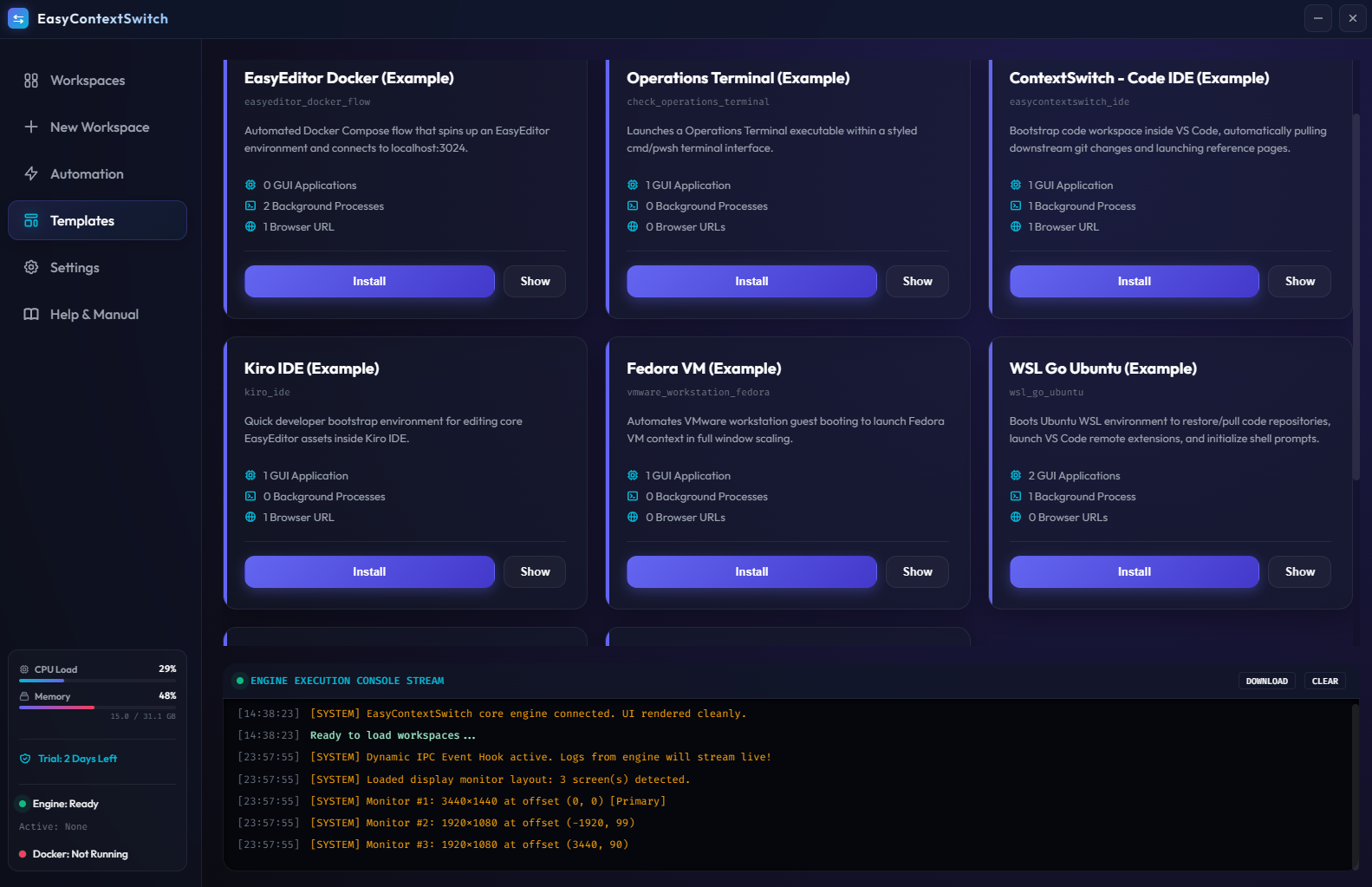
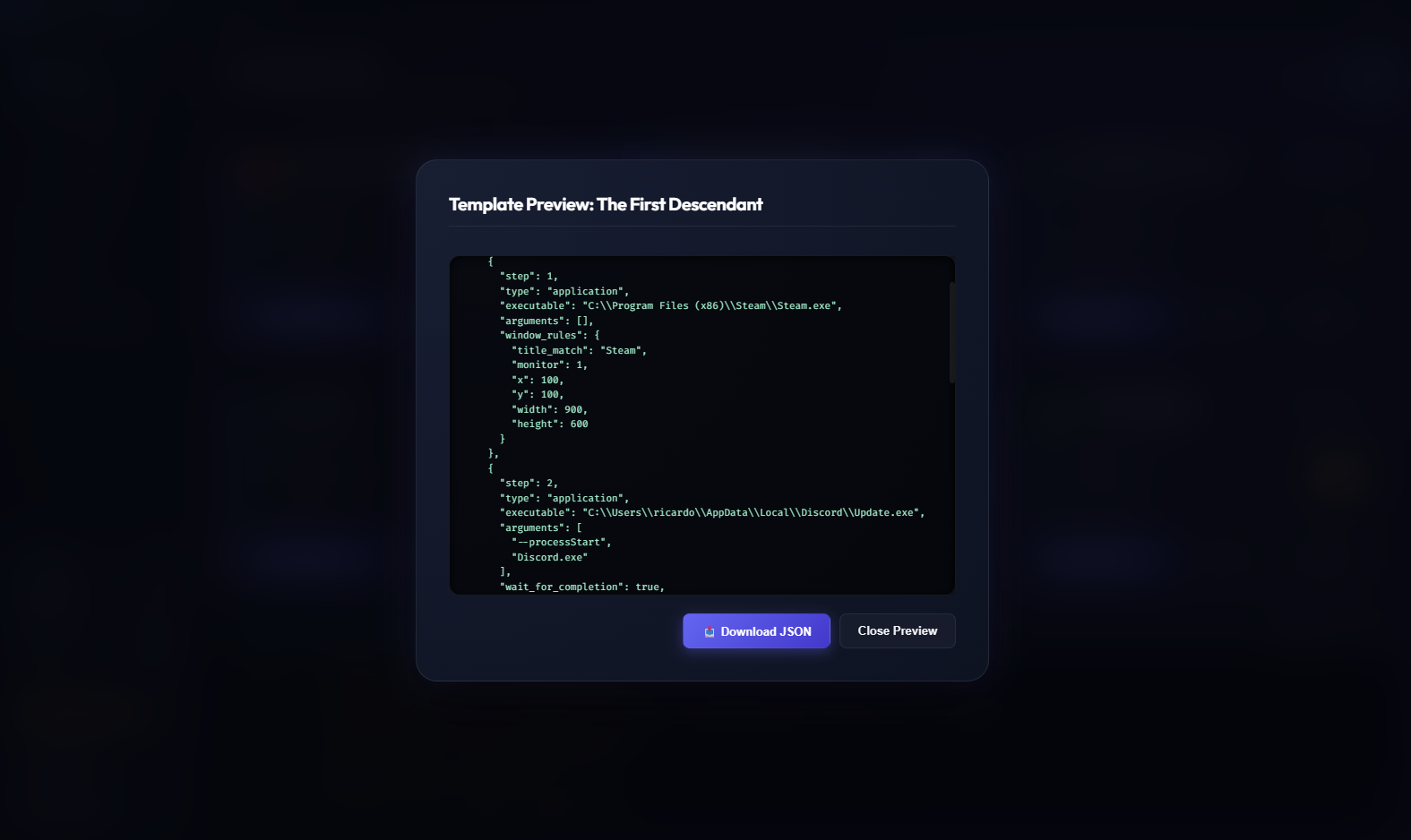
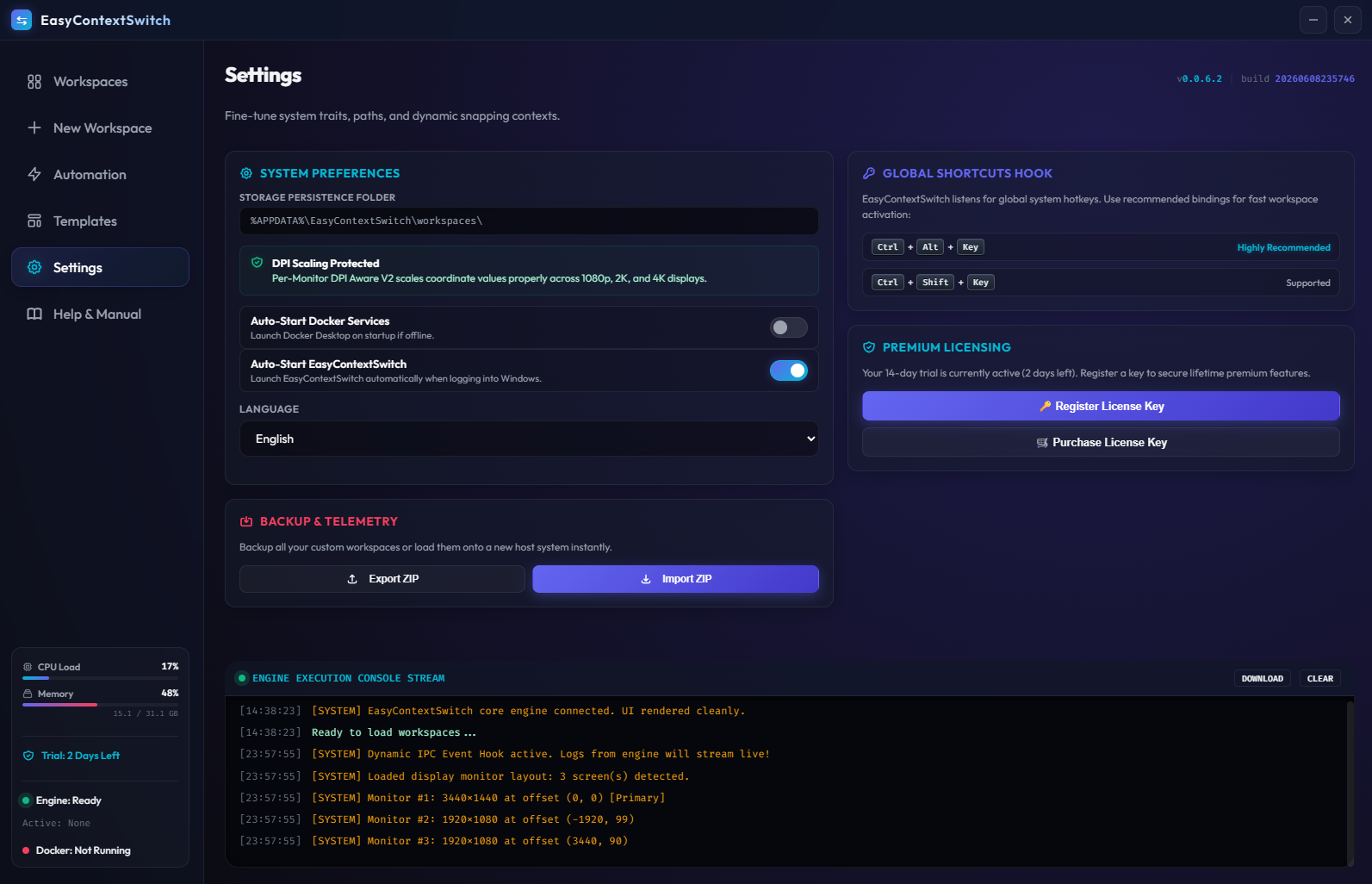
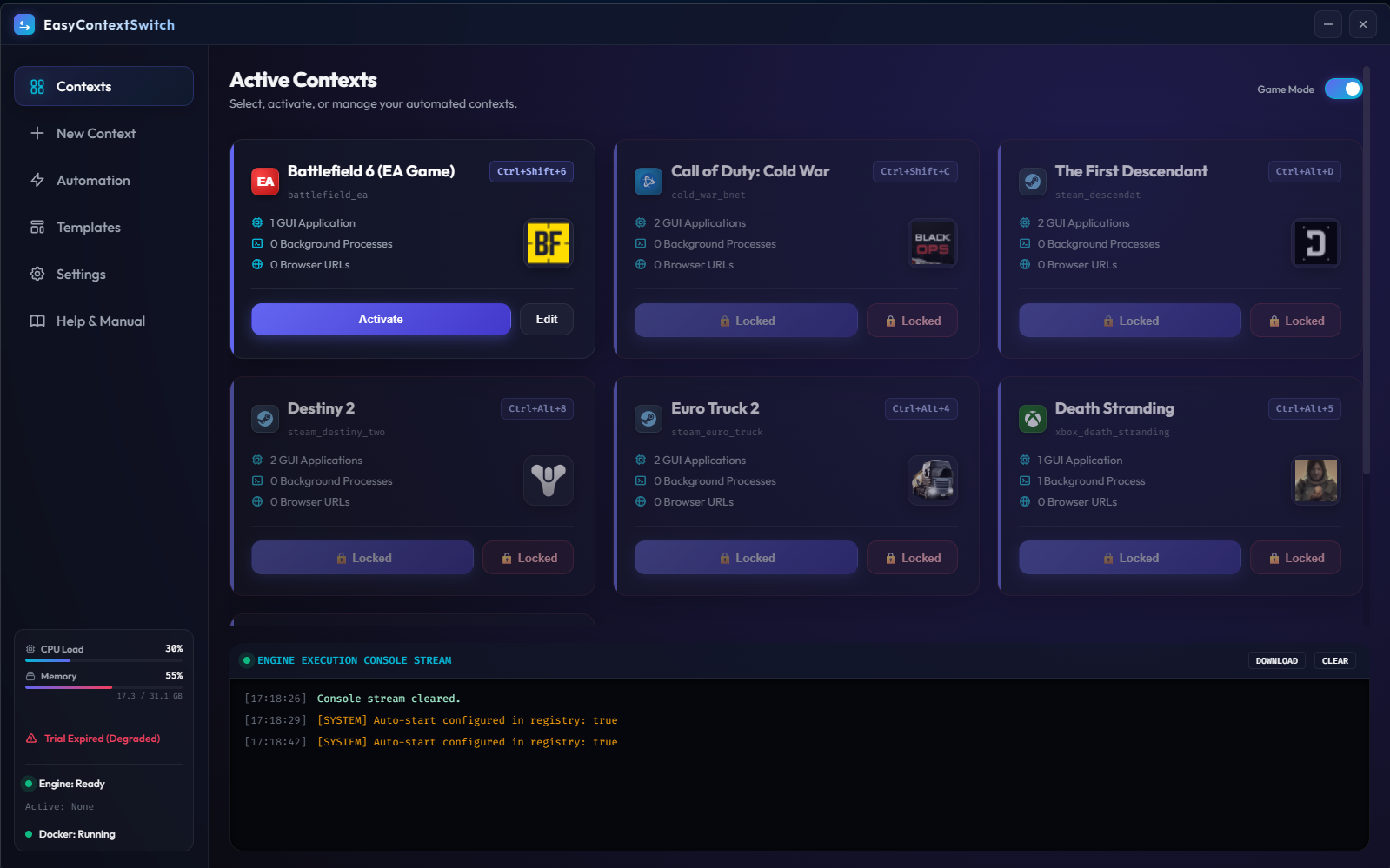
App Interactive Showcase
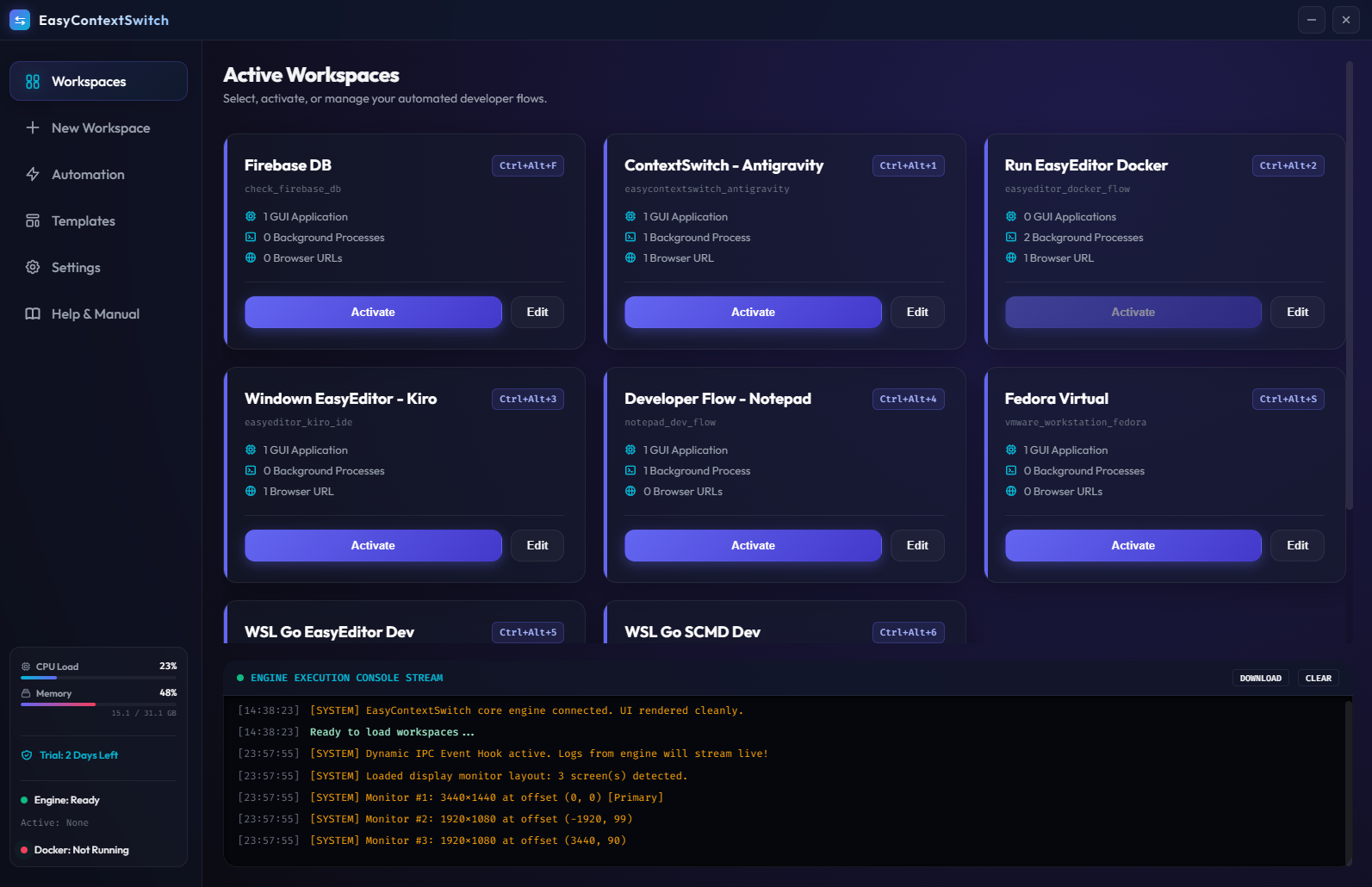
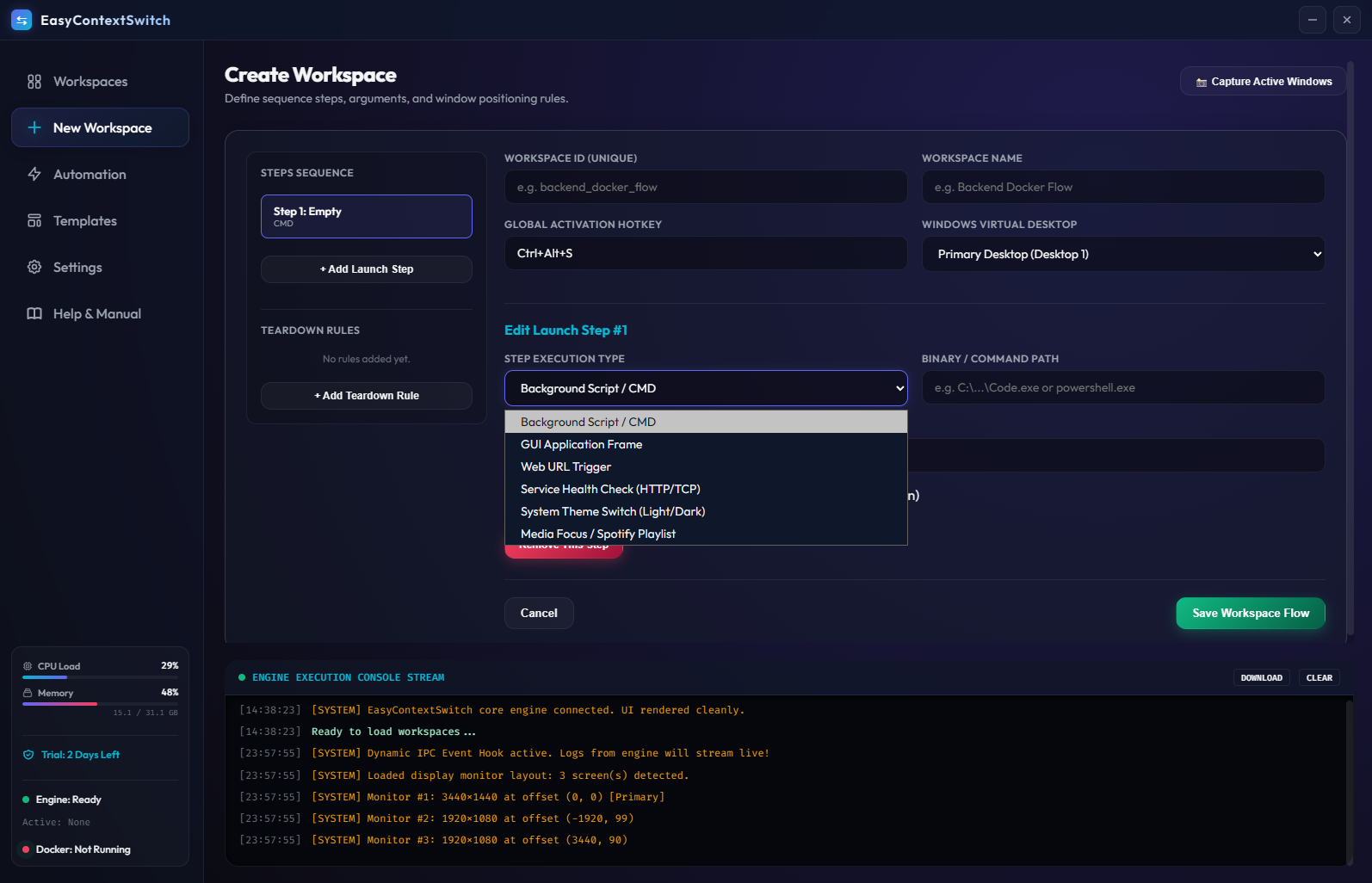
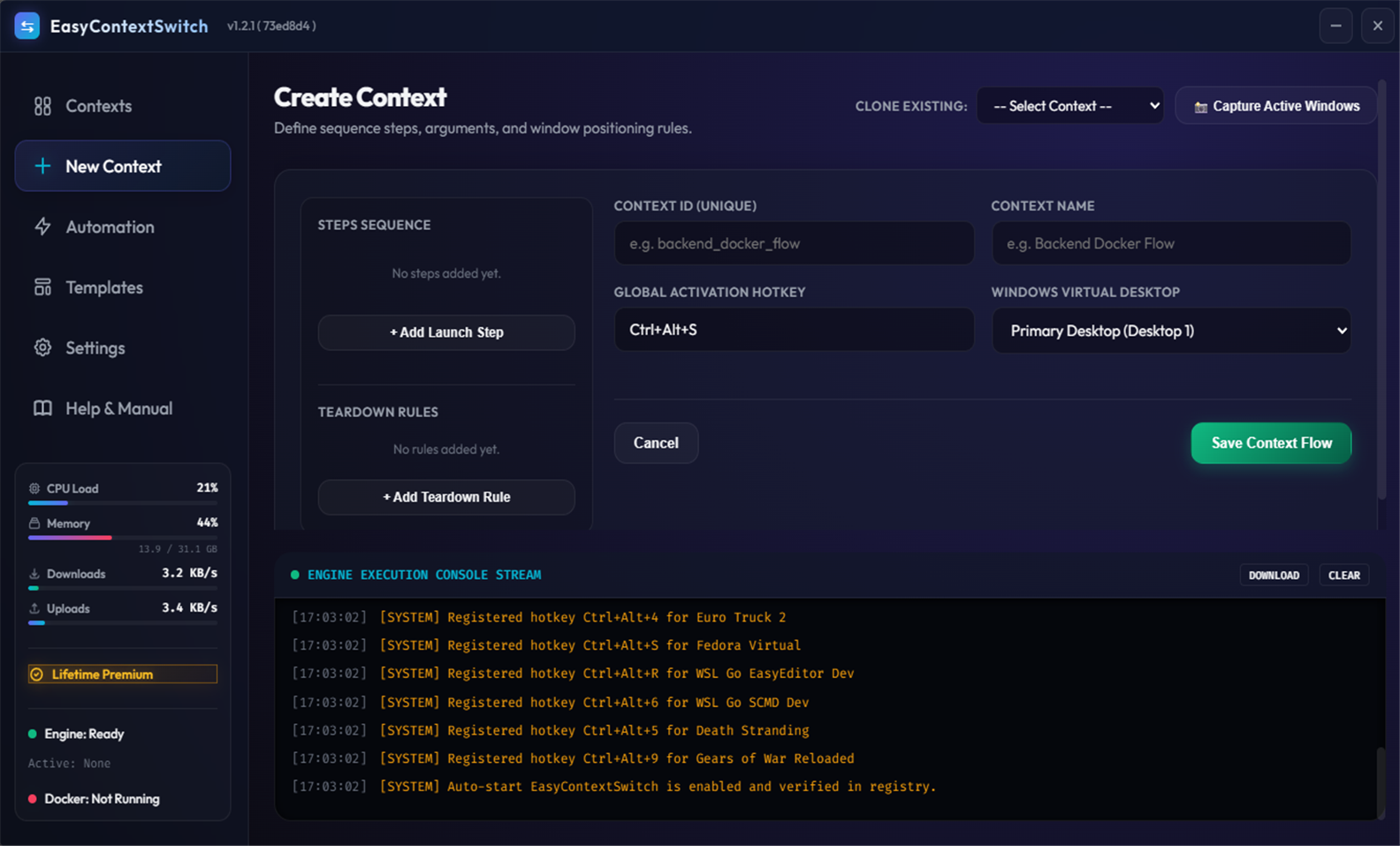
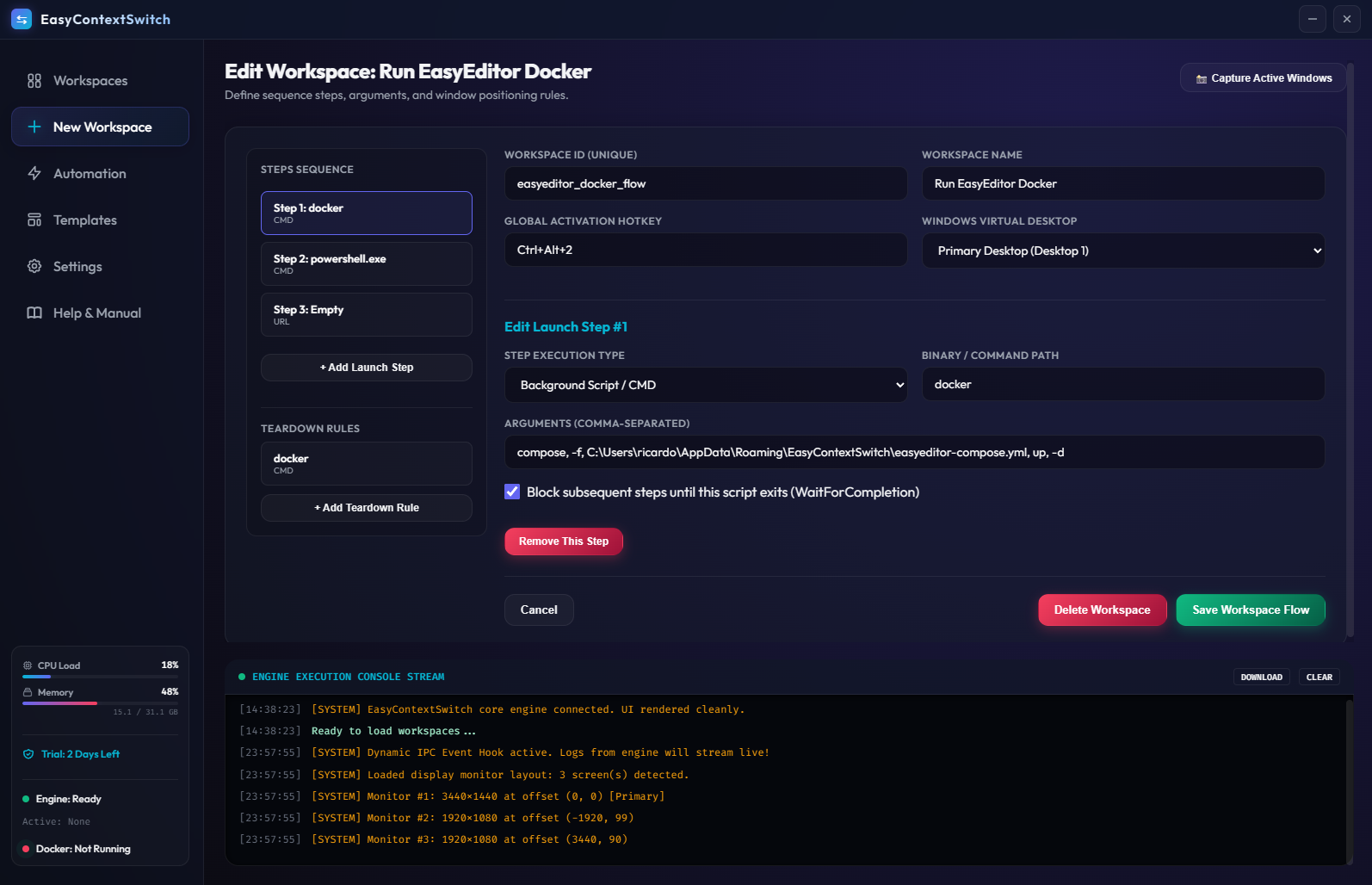
Experience the actual Wails desktop utility layout and clean controls designed for maximum productivity.
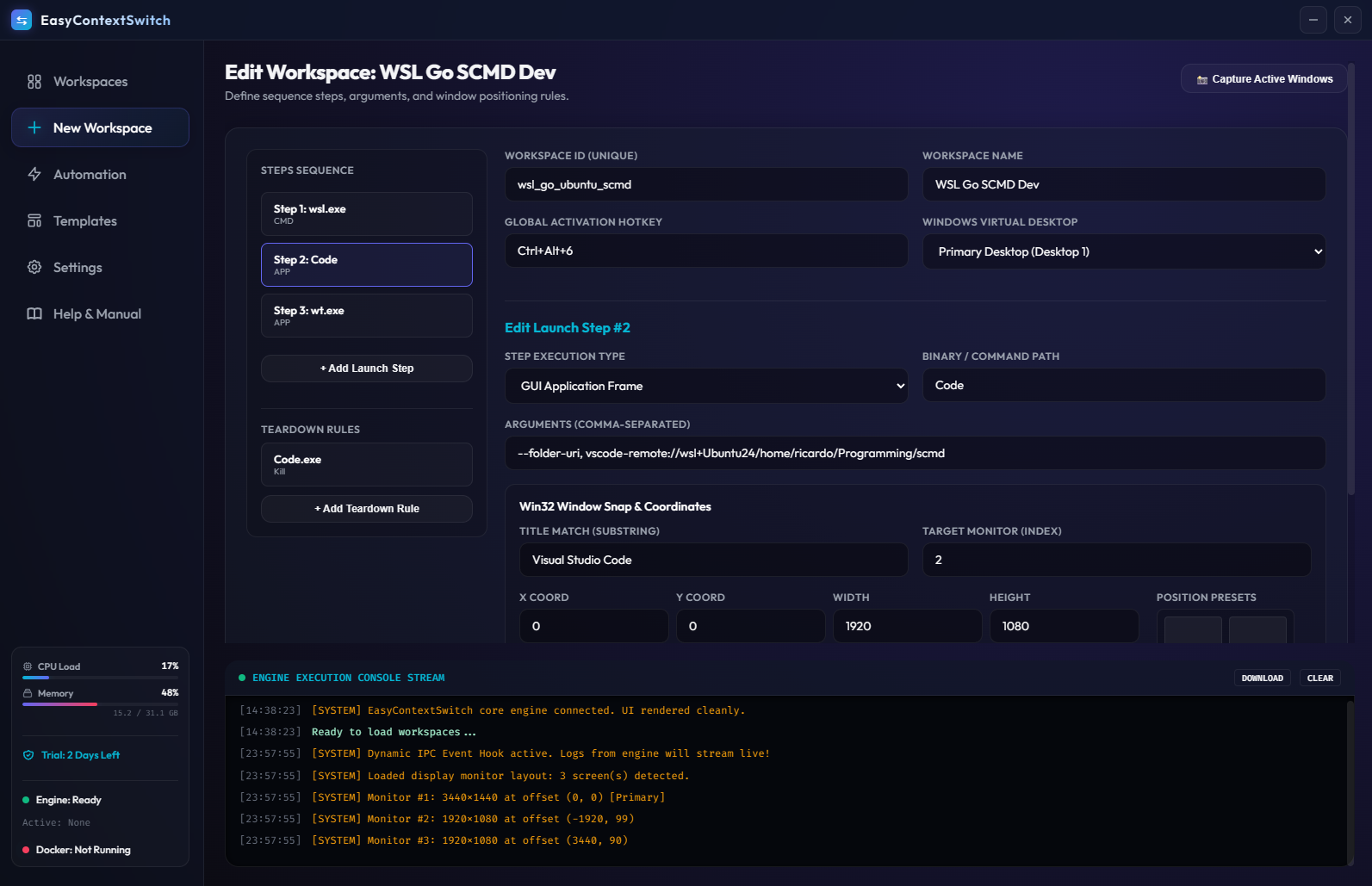
Real-Time Resource Monitor
Tray Switcher Active
Listening for workspace hotkeys...
{
  "workspace": "fullstack-app",
  "version": "1.2.1",
  "systray_enabled": true,
  "hotkey": "Ctrl+Alt+S",
  "services": ["api", "client"]
}
Engineered for Seamless Context Switching
Built with Go and the native Win32 API to deliver absolute control and blindingly fast execution speeds.
Workspace Profiles
Create dedicated environment profiles with specific ordered steps. Design cleanup/teardown commands to run when switching out of contexts safely.
Instant Context Cloning
Clone any existing workspace profile with one click when creating a new Context. Duplicate launch sequences, teardown rules, and positioning settings to make setting up even easier after your first environment.
Win32 Window Snapping
Utilizes native Windows API calls to position and resize application windows across your grid layout. Features coordinate awareness for perfect alignment.
Global Hotkeys
Bind custom keyboard shortcuts (e.g., Ctrl+Alt+A) directly to your profiles. Toggle
environments globally in any active context.
Docker Integration
Detect docker container status instantly. Launch database service files or down compose networks automatically during launch-teardown sequences.
Resource Utilisation Panel
Live-monitoring of CPU, RAM, and Network active payloads in your main workspace page, allowing quick oversight of run diagnostics.
Share & Export Configs
Download and import entire workspace layout rules in pure JSON formats. Share configurations instantly with team members.
Embedded System Tray
Minimizes to the system tray for seamless, zero-distraction background execution. Triggers hotkeys dynamically without window focus.
Real-Time Engine Logs
An integrated, live-updating terminal logs console streams Go core events as they execute, providing complete transparency for troubleshooting.
System Architecture
An overview of how Wails UI, Go Core micro-modules, and Windows APIs collaborate to orchestrate environments.
Native System Hooks
EasyContextSwitch runs completely locally on your system, avoiding external API dependencies or cloud servers. By linking directly to native Windows API libraries, it maintains high speed and high security.
Wails IPC Bridge
The sleek HTML frontend communicates with the Go Core Engine via secure, low-latency JSON-RPC channels.
Concurrent Polling Loops
Launches software commands and immediately sets up thread-safe loop workers to wait for window handles (HWND) to spawn.
Win32 API Snapping Calls
Invokes EnumWindows, filters targets by PID and scales layout boundaries safely
according to physical screen resolutions.
Workspace Schema Explorer
EasyContextSwitch workspaces are defined as readable, portable JSON files. Explore the data structures representing an environment.
{
  "workspace_id": "proj_alpha_backend",
  "name": "Project Alpha - Go Backend",
  "hotkey": "Ctrl+Alt+A",

  "launch_sequence": [
    {
      "step": 1,
      "type": "background_process",
      "executable": "powershell.exe",
      "arguments": ["-Command", "docker-compose up -d"],
      "wait_for_completion": true
    },
    {
      "step": 2,
      "type": "application",
      "executable": "Code.exe",
      "arguments": ["C:\\dev\\alpha"],
      "window_rules": {
        "title_match": "alpha",
        "monitor": 1,
        "x": 0,
        "y": 0,
        "width": 1280,
        "height": 1440
      }
    }
  ],

  "teardown_sequence": [
    {
      "type": "command",
      "executable": "powershell.exe",
      "arguments": ["-Command", "docker-compose down"]
    }
  ]
}Metadata and Hotkeys
Defines the identity of your workspace profile and hooks custom system-wide trigger keys directly so you can switch instantly.
Sequenced Steps
Determine process execution hierarchies. Wait for complex scripts or configurations (e.g. Docker initialization) to resolve before executing layouts.
Precision Layout Rules
Target running tasks by title match expressions. Anchor coordinates dynamically matching monitor widths, heights and custom parameters.